
You're on holiday, you open Netflix, and instead of the show you were halfway through, you get a grey screen: "This content isn't available in your region." Or you try to log into your bank, and it emails you "We noticed a login from a new location — was this you?" Or your video game matches you with players 8,000 miles away and the lag is unplayable. All three of those moments have the same quiet little character at the centre of the plot: your IP address.
Most people never think about IPs until something breaks. That's fine — they're plumbing. But ten minutes of actually understanding what an IP is, the difference between public and private, and who can see yours, saves you from a surprising amount of confusion for the rest of your life. This is that ten minutes.
TL;DR
- An IP address is the label your device uses to send and receive data on a network. Every device online has at least one.
- You have two IPs at once: a private IP (visible only inside your home network) and a public IP (visible to every website you visit).
- Your public IP reveals roughly where you are and who your internet provider is — nothing closer than that, despite what TV tells you.
The simplest possible explanation
Think of an IP address as a postal address for a device on a network. When you ask for a web page, your computer writes its own return address on the packet so the site knows where to send the page back. Every step of the journey — your router, your ISP, the website's server — reads that return address and passes the data along accordingly.
IPs are just numbers. The common version, IPv4, looks like 192.168.1.4. The newer version, IPv6, looks like 2001:db8:85a3::8a2e:370:7334. Both do the same job; IPv6 was invented because the world ran out of IPv4 numbers. We'll get to that in a minute.
Public vs private IP: two addresses, one device
Here's the part most explanations skip. You don't have one IP. You have two, happening at the same time, doing different jobs.
Your private IP
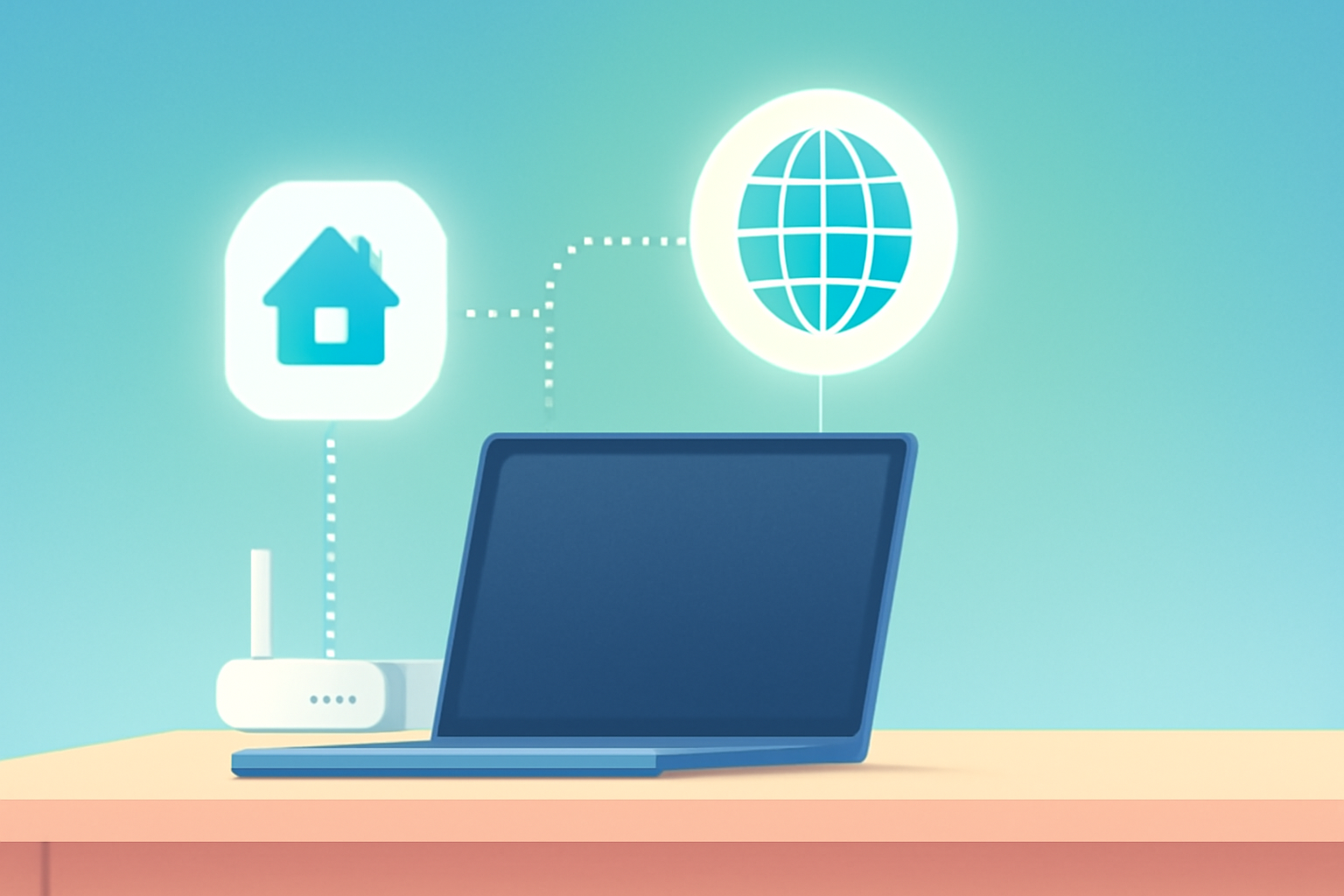
Your router gives every device inside your home a private IP — your phone might be 192.168.1.12, your laptop 192.168.1.13, the smart fridge 192.168.1.29. These addresses only make sense inside your house. They're not routable on the public internet. Private IP ranges are reserved by standard (RFC 1918) and always start with 10., 172.16–31., or 192.168. — if you see those in your network settings, that's private.
You almost never need to know your private IP unless you're setting up port forwarding for a game, connecting to a network printer, or troubleshooting Wi-Fi. On Windows, open a command prompt and type `ipconfig`; on macOS and Linux, `ifconfig` or `ip a`. Done.
Your public IP
Your whole home — every device behind your router — shares a single public IP assigned by your internet provider. That's the one websites see. That's the one Netflix uses to decide whether you're in Germany or Japan. That's the one your bank logs.
You can see yours right now at our IP lookup tool — no sign-up, no email, just your current address, your city-level guess, your ISP, and whether we detect VPN/proxy.
How private becomes public: NAT in one paragraph
Network Address Translation is the trick that lets twenty devices share one public IP without stepping on each other. Your router keeps a table: "laptop at 192.168.1.13 asked for google.com, I'm sending the request under my public IP, and when the reply comes back, I'll forward it to the laptop." Without NAT, the IPv4 address pool would have collapsed decades ago. With it, a single apartment building of a hundred flats can share two public IPs between them. It's beautiful and it's also the source of most "why doesn't this port work" headaches.
IPv4 vs IPv6 (the quick version)
IPv4 was designed in 1981. Total pool: about 4.3 billion addresses. Planet Earth currently runs about 15 billion internet-connected devices and counting. The math didn't math. IPv6 was standardised in 1998 and has a pool of 340 undecillion addresses — enough for every grain of sand to have its own subnet.
In 2026, worldwide IPv6 adoption hovers around 45 percent according to Google's public stats. Your home connection almost certainly has both. Most of the time, apps prefer IPv4 for no good reason. If you want the long version, we have a full guide on ip-checker.pro.
Who actually sees your public IP?
- Every website you load — it's in every HTTP request.
- Every app, because apps are just websites in a different wrapper.
- Your ISP, always, because they assigned it to you.
- Anyone on a VoIP or peer-to-peer connection with you — Zoom, Discord voice, BitTorrent, direct video game lobbies.
- Anyone who receives an email directly from your mail server (rare in practice; most email goes through Gmail/Outlook first, which hides your IP).
Important thing that TV gets wrong: a public IP does not reveal your name, your street, or your passport number. It gives a country, a likely city, and your ISP. That's the whole menu. Anyone promising more without a court order is either lying or selling you something.
Common situations, decoded
"Why does Netflix think I'm in another country?"
Because your public IP's GeoIP record points there. Maybe you're on a VPN, maybe you're on a mobile ISP whose CGNAT pool is geolocated weirdly, maybe you recently moved and the databases haven't updated. It isn't personal; it's a lookup table.
"How do I port-forward for my game server?"
You log into your router, map an external port on your public IP to a specific internal IP:port of the device running the server. You then tell friends to connect to your public IP. Works only if your ISP gives you a genuine public IPv4 and not a shared CGNAT address — that's the gotcha behind "my game server used to work last year but now it doesn't".
"My IP changed, will my stuff break?"
For most home users, the answer is "no, not really". Most ISPs hand out dynamic IPs that rotate every few days or after every router reboot. Nothing important is tied to your IP. The exceptions are: you're self-hosting a website, you're allowlisted into a corporate VPN, or you have a static IP specifically for a reason.
"Someone said they can hack me if they know my IP"
Public IPs are public. Every site you visit has yours. Modern home routers drop unsolicited inbound traffic by default. If a stranger wanted to do damage with just your IP, they'd need an unpatched service exposed on a port — which almost never exists on default setups. Do keep your router firmware current; don't disable the firewall; don't lose sleep over the IP itself.
What to do with this
Three small habits make you dramatically safer and saner online:
- Bookmark our tool and check your public IP occasionally. If it's suddenly in a country you've never been to, something's wrong — maybe a VPN you forgot to turn off, maybe a proxy extension your browser silently installed, maybe worse.
- If a service says "we noticed a login from a new location", compare that IP to yours before panicking. Usually it's you on a different network.
- If you need to hide your IP (privacy, travel, research), understand which tool actually does what. A paid VPN and a browser's "incognito mode" are on completely different planets. We have a separate guide that walks through the real options.
FAQ
How many IP addresses do I have?
At least two: one private (inside your home or work network) and one public (assigned by your ISP). If you're on mobile data, same story — your phone has a private IP and the carrier's NAT shares public IPs across many subscribers.
Does my IP change by itself?
Usually, yes. Most residential plans use dynamic IPs that rotate every time your router restarts or the ISP's DHCP lease expires. Business plans often come with a static IP for a small monthly fee.
Is my IP the same as my Wi-Fi?
No, but they're connected. Wi-Fi is just how your device talks to your router. Your IP is assigned by the router (private) and your ISP (public). Change Wi-Fi, you change networks, you get new IPs from the new network.
Can I have the same IP as someone else?
On the private side, yes — two different homes can both use 192.168.1.10 inside their own networks and it's fine. On the public side, through CGNAT (carrier-grade NAT), thousands of customers really do share a handful of public IPs. That's why sometimes a site bans "you" for something another mobile subscriber did.
Should I hide my IP?
Depends on threat model. For casual browsing — no, it's not a big deal. For avoiding region blocks, unblocking content while travelling, or protecting yourself on hostile networks, yes, a reputable VPN is worth the few dollars a month.
What's the fastest way to find my IP?
Our tool: ip-checker.pro/en/tools/ip-lookup. Loads in under a second, shows public + geolocation + ISP. If you prefer the command line: `curl ifconfig.me`.
Tools on ip-checker.pro that help
→ IP Lookup — your current public IP + geolocation + ISP
→ WHOIS Lookup — owner and abuse contact for any IP
→ DNS Lookup — what addresses a domain actually points to
→ Port Checker — test whether a port on your public IP is reachable