
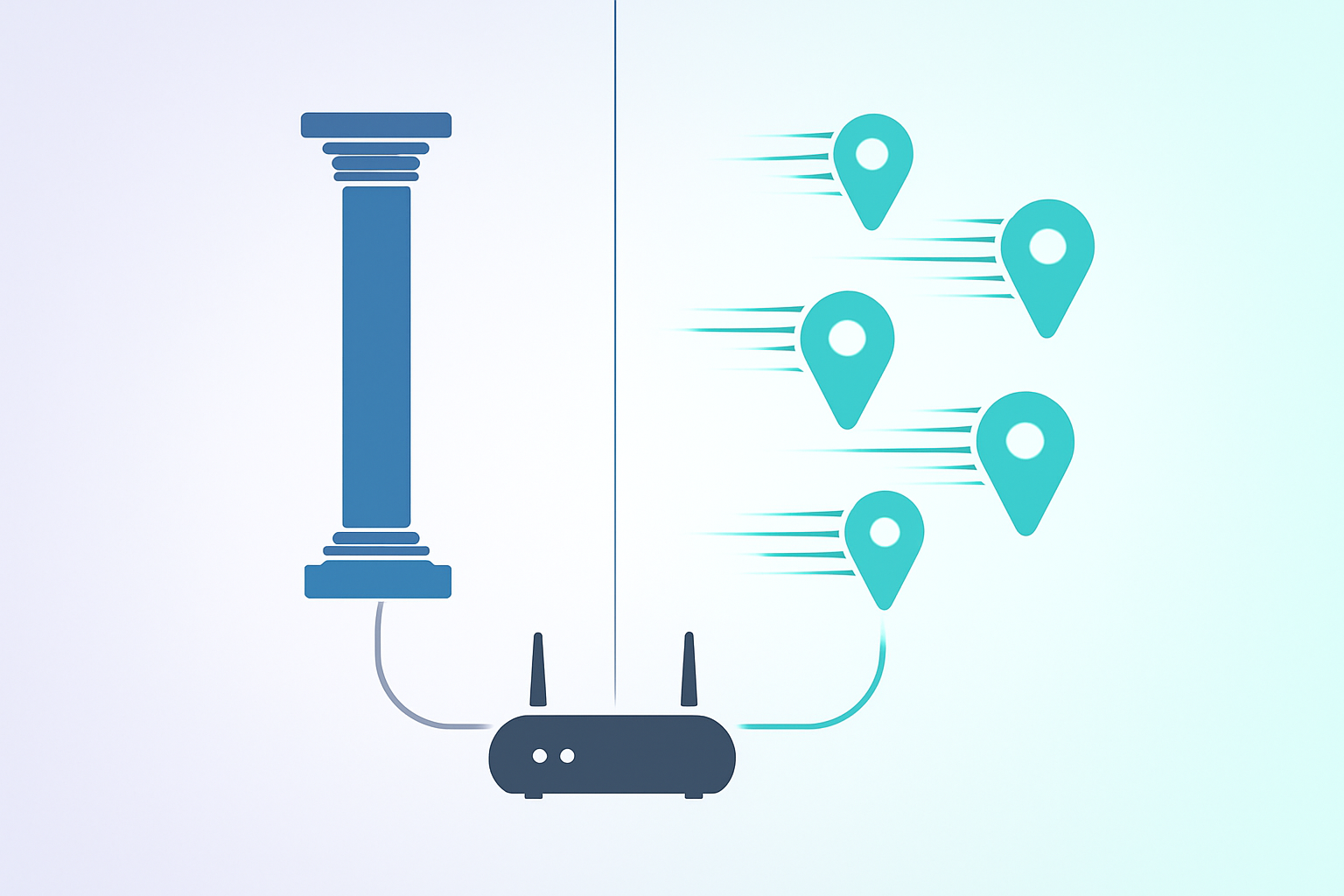
Here's the shortest honest version: if you have to ask whether you need a static IP, you almost certainly don't. Most people live perfectly happy online lives on dynamic addresses that quietly rotate every few days and never think about it. But there are five or six very specific situations where a static IP turns a constant low-grade headache into a solved problem, and if you're reading this guide you're probably in one of them. Let's figure out which.
TL;DR
- Dynamic IP: cheap, assigned by your ISP, may change; fine for everyday browsing, streaming, gaming as a client.
- Static IP: steady, easier for hosting / remote access / mail servers / allowlists; usually costs extra.
- In 2026, most "I need a static IP" cases are solved cheaper with a VPN that offers a dedicated IP, or a small cloud VM.
First, a definition that's often wrong online
A static IP is not the opposite of a VPN. It's not a special kind of IP. It's any public IP that stays assigned to the same line/account indefinitely. A dynamic IP is the same kind of address, only the assignment rotates over time.
Your ISP decides which one you get based on your plan. Home broadband plans almost always hand out dynamic IPs. Business plans and some premium consumer tiers hand out static. The underlying internet protocol doesn't care either way — both work identically for browsing.
Who actually needs a static IP
The honest list in 2026:
1. You host something that needs to be reachable from the outside
Running a Minecraft server, self-hosting Plex or Jellyfin, hosting a small personal website from your home box, or any service that friends or the public need to reach. Dynamic IPs break this every time the IP rotates — your saved link goes dead. Yes, you can patch it with Dynamic DNS (DuckDNS, No-IP), and most of the time that works fine, but it's one more moving part.
2. You're on an allowlist
Corporate VPNs, SSH access into production, certain banking or healthcare portals, and some partner APIs only accept connections from a specific list of IPs. If yours changes, you're locked out until someone updates the list. This is the most common reason small businesses pay for a static IP.
3. You run your own mail server
Technically possible, culturally masochistic. Every serious mail provider checks the sending IP's reputation and blocks traffic from dynamic ranges wholesale. If you must send mail from your own box, you need a static IP, matching reverse DNS, SPF/DKIM/DMARC and a lot of patience. Otherwise, use Postmark or SendGrid.
4. Video calls that won't NAT-traverse
Some older SIP phones and enterprise video systems can't punch through double-NAT properly. A static public IP sidesteps the problem. For modern tools (Zoom, Meet, Teams, Discord) this isn't an issue.
5. Remote desktop / security cameras
If you want to reach your home PC or CCTV system over RDP or HTTPS from anywhere, you need a stable address. Dynamic DNS solves 90% of cases; a real static IP solves 100%.
Who does not need a static IP
If none of the above apply, you don't. In particular:
- Regular gaming (you're a client connecting out — your IP can change and nothing breaks).
- Streaming from Netflix / Disney / Spotify (client-only traffic).
- Work from home on corporate VPN (your connection is outbound; the corporate side doesn't care what your IP is).
- Security: a static IP is neither more nor less secure than a dynamic one — perceptions aside.
- Running a VPN server for just yourself — Tailscale, Cloudflare Tunnel and WireGuard all handle dynamic endpoints fine.
What a static IP actually costs in 2026
Rough US, UK and EU numbers for residential-ish lines. Prices drift; check current offers.
USA
Comcast Business: ~$15–25/mo add-on for 1 static IPv4
AT&T Fiber Business: ~$15/mo add-on
UK
BT Business: £5/mo for a single static IP
Virgin Media Business: ~£10/mo
Germany / France
Most business lines include 1 static IP free; extras are €5–10/mo
Cloud alternatives
DigitalOcean: $4/mo for smallest droplet + free floating IP
Linode / Vultr: similar pricing
AWS Lightsail: $3.50/mo, floating IP included
VPN with dedicated IP
NordVPN, Surfshark, Mullvad-adjacent: $3–7/mo extra for a dedicated IP
Three things to do before paying your ISP
ISPs love charging for static IPs. Before you subscribe, try the cheaper alternatives:
- Dynamic DNS on your home router. Free. Works for 90% of "hosting at home" cases.
- A $4/month cloud VM with a public IP, used as a relay (Cloudflare Tunnel, Tailscale funnel, SSH reverse tunnel). Works for 95% of the remaining cases.
- A VPN provider's dedicated-IP add-on, if you need a stable public identity for geo-unblocking or allowlists but don't need true self-hosting.
If after those three, you still need a static IP — fine, it's worth the small monthly charge. Just don't pay for one on reflex.
Common traps
"My ISP gave me a static IP but it's in the CGNAT range"
This happens. Some ISPs hand out "statics" that are actually inside 100.64.0.0/10 — a shared range that is not routable from the real internet. Ask them directly for a public static IP and make sure they confirm it is on a public block.
"I bought a VPN with dedicated IP but sites keep challenging me"
Even dedicated VPN IPs are sometimes blacklisted (the previous user triggered a flag). Reputable VPNs will rotate or replace a compromised dedicated IP on request.
"My static IP suddenly changed"
Sometimes ISPs re-number during maintenance. If you depend on the exact IP, keep a health-check that alerts you and a DNS fallback pointing to the current IP.
A decision tree that fits on a napkin
Do you need inbound connections from the public internet?
├─ No → dynamic is fine. Stop reading.
└─ Yes → does it need 100% uptime and a known address?
├─ Only for you/friends → dynamic DNS + home ISP
├─ For a small business / allowlist → cheap cloud VM or static via ISP
└─ For a mail server → static IP + matching rDNS + SPF/DKIM/DMARC
FAQ
Is a static IP safer than a dynamic one?
Neither is inherently safer. What matters is whether any service on your network accepts connections and whether your firewall is properly configured. A well-configured dynamic setup beats a sloppy static one every time.
Can I get a static IPv6 address for free?
Often yes. Most ISPs that support IPv6 give you a static /56 or /60 prefix at no extra cost. That means every device in your house gets a stable public IPv6. For many self-hosting scenarios, that's all you need.
Do I need a static IP for port forwarding?
No, but it helps. With dynamic DNS you can keep port forwarding working even when your IP changes. Without DDNS, every IP change breaks remote access until you update the saved address.
What happens to open connections when my dynamic IP changes?
They drop. TCP sessions are tied to the IP pair. Your apps will need to reconnect. Most reconnect silently within seconds; some (SSH sessions, long downloads) will fail and need to be restarted.
Can a VPN give me a static IP?
Yes — look for the "dedicated IP" add-on. It's cheaper than ISP static in most markets and lets you use the same public IP from any of your devices. The tradeoff: the IP is owned by the VPN provider, not you, and is still a datacenter IP for GeoIP purposes.
Is it worth paying extra for a static IP in 2026?
Only if your use case is on the list above. For 95% of users, dynamic + Dynamic DNS or dynamic + a small cloud VM does the job for a fraction of the price.
Tools on ip-checker.pro that help
→ IP Lookup — check whether your IP has changed since last time
→ Port Checker — verify your port forwarding actually works from outside
→ DNS Lookup — audit your Dynamic DNS record is pointing where it should